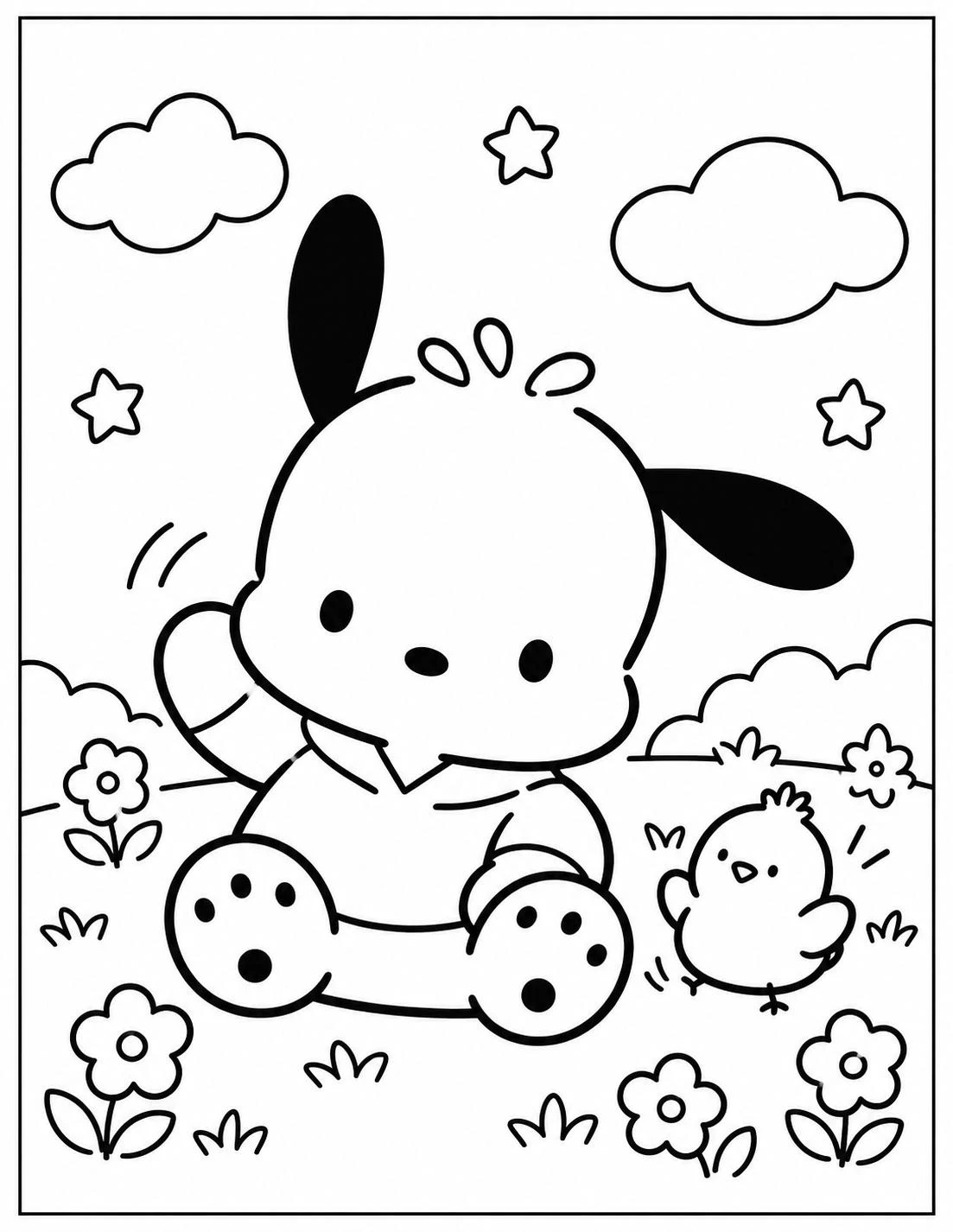
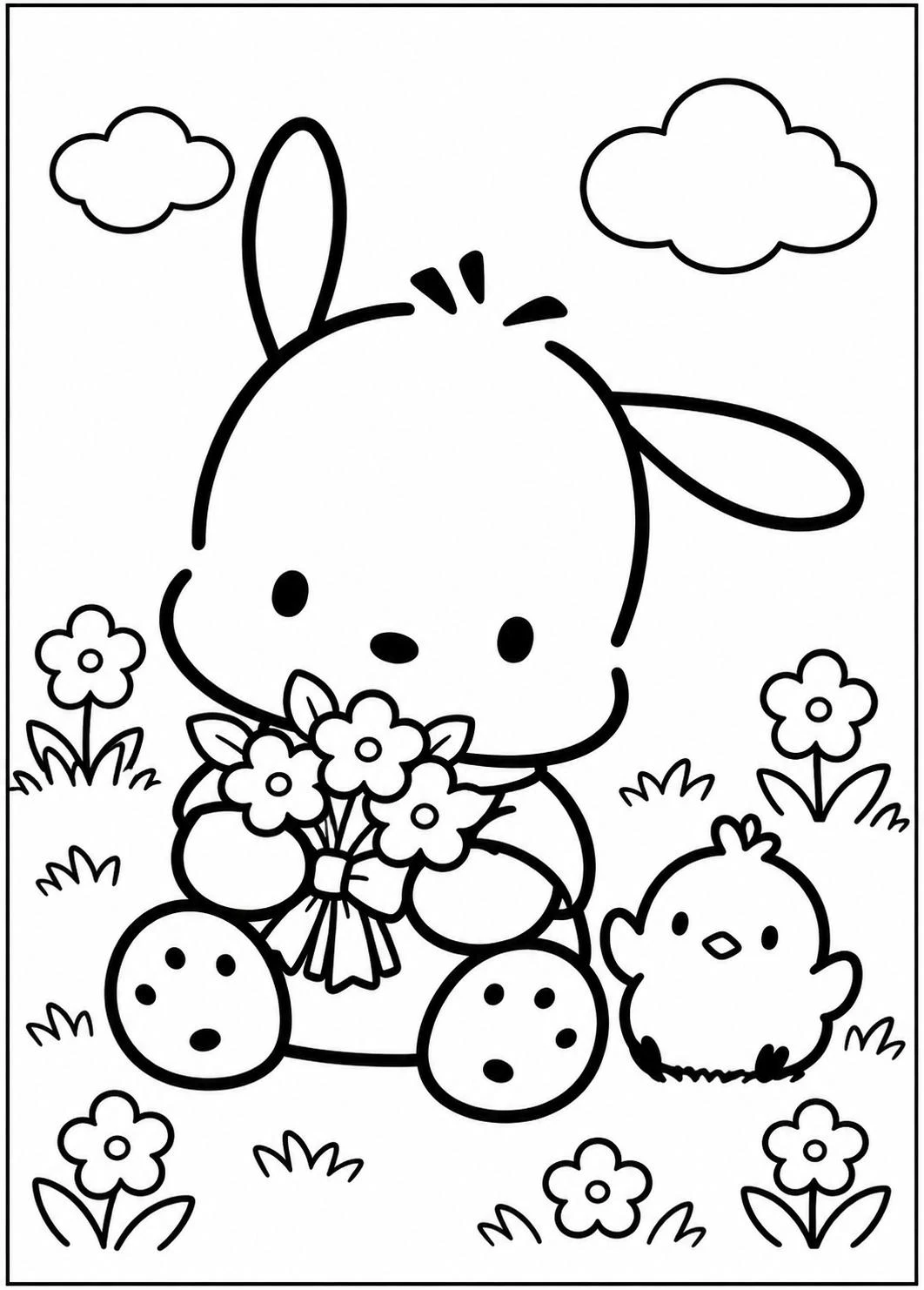
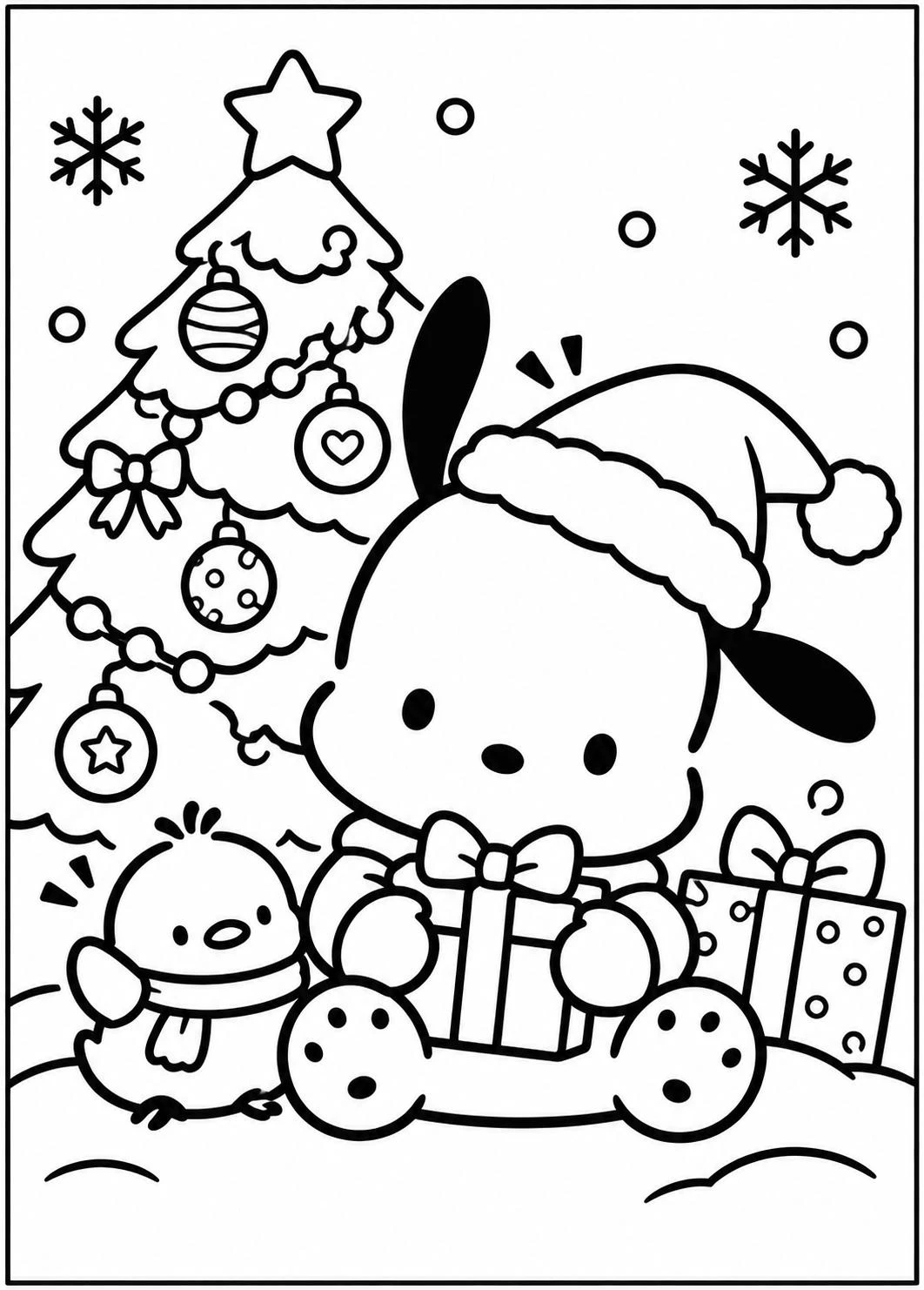
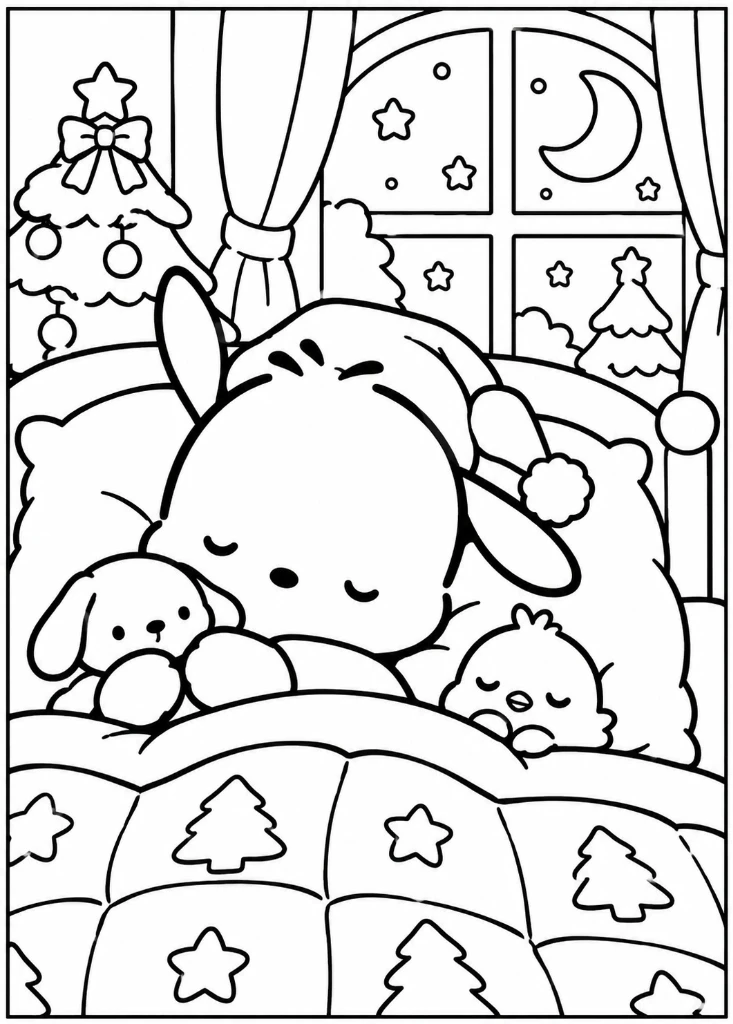
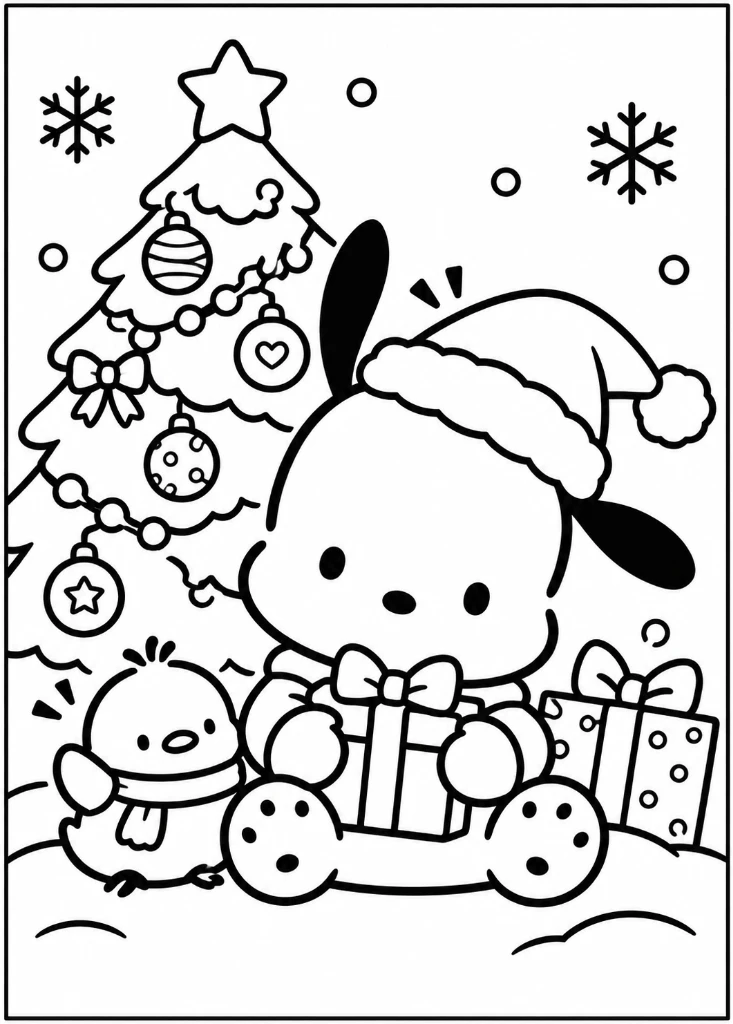
Pochacco Coloring Pages for Kids and Fans
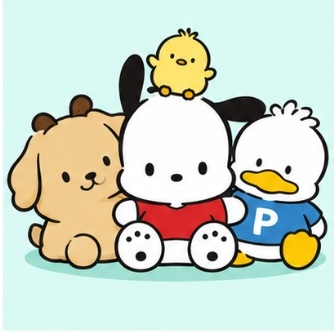
Pochacco is a sporty, curious white dog with floppy black ears born on February 29 (a leap year) in Uguisu Alley, just outside Fuwafuwa Town. Known for his friendly nature, love of outdoor sports, and fondness for banana ice cream, Pochacco has won the hearts of Sanrio fans around the world for over three decades.
Our 3 themed PDF collections provide 30 crisp, high-resolution printable coloring sheets suitable for beginners, toddlers, preschoolers, and older children who enjoy detailed shading and vibrant color blending.
Pochacco Outdoor Sports and Adventure Scenes
Pochacco is famous for his athletic energy! Whether he is riding his classic bicycle through sunny meadows, jogging along park pathways, swinging from tall tree branches, or splashing playfully in puddle raindrops after a storm, Pochacco brings enthusiasm to every outdoor activity. These dynamic sheets give children great practice with lush green lawns, sunny skies, park trees, and active character poses.
Pochacco and Friends in Uguisu Alley
Pochacco never goes on an adventure alone! He is accompanied by a cheerful cast of animal friends from Uguisu Alley and Fuwafuwa Town:
- Choppy (Pi-chan): Pochacco's inseparable little yellow chick companion who appears across our coloring sheets.
- Rachel: A cheerful, kind-hearted bunny friend who loves picking flowers in the garden.
- Popple: A tiny bird friend who perches nearby during park walks and picnics.
- Dot: A sweet duckling friend who joins outdoor water pond adventures.
- Guri: A hardworking little mole pal from the neighborhood.
Explore his full backstory, athletic hobbies, and Hapidanbui unit history on our dedicated Pochacco Character Profile.
Seasonal and Holiday Pochacco Coloring Pages
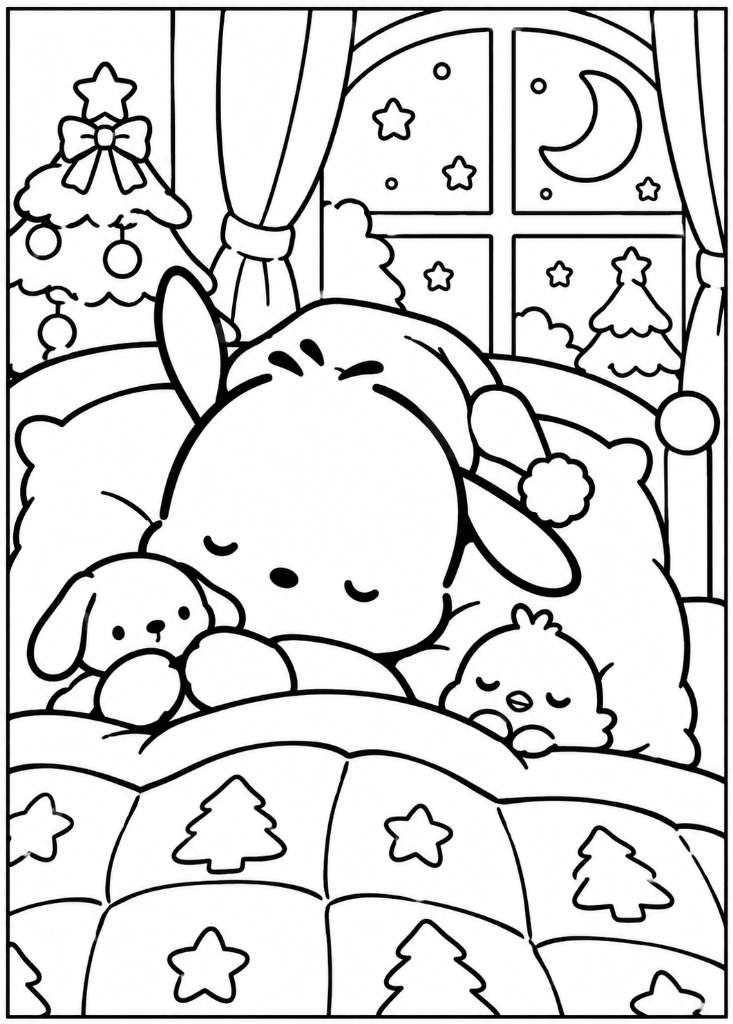
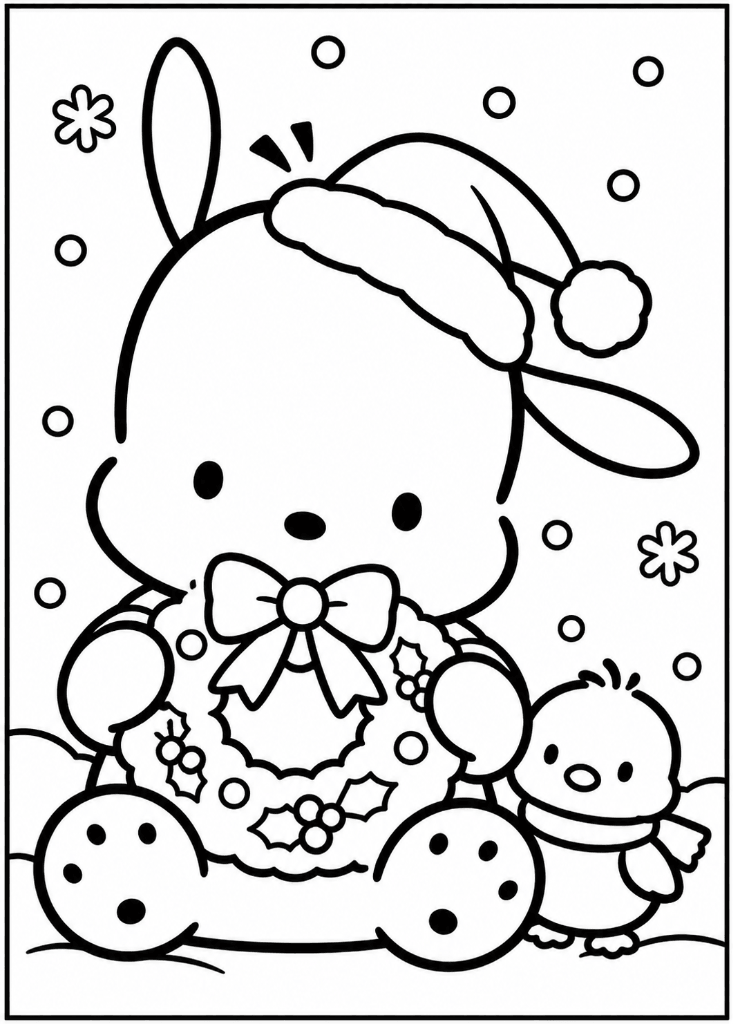
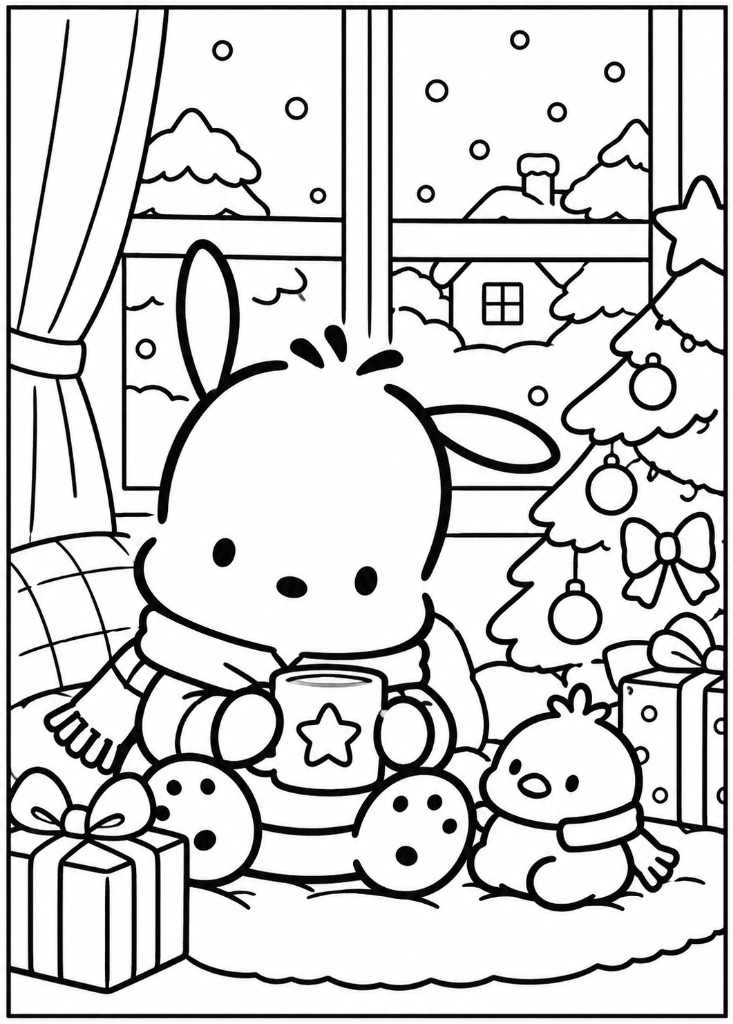
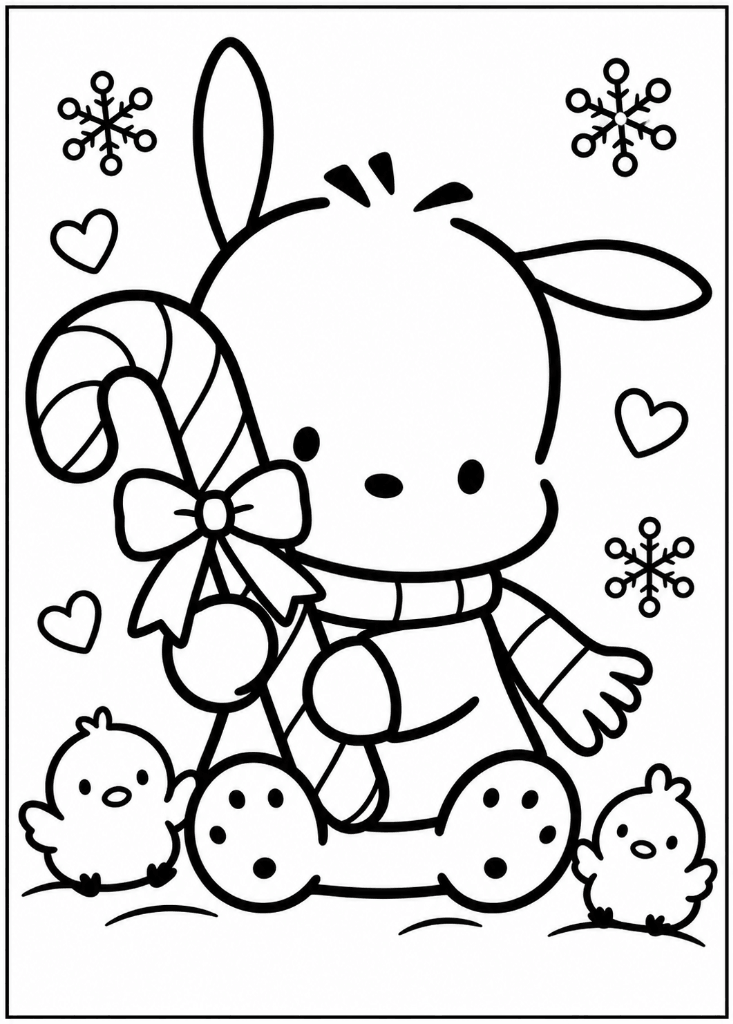
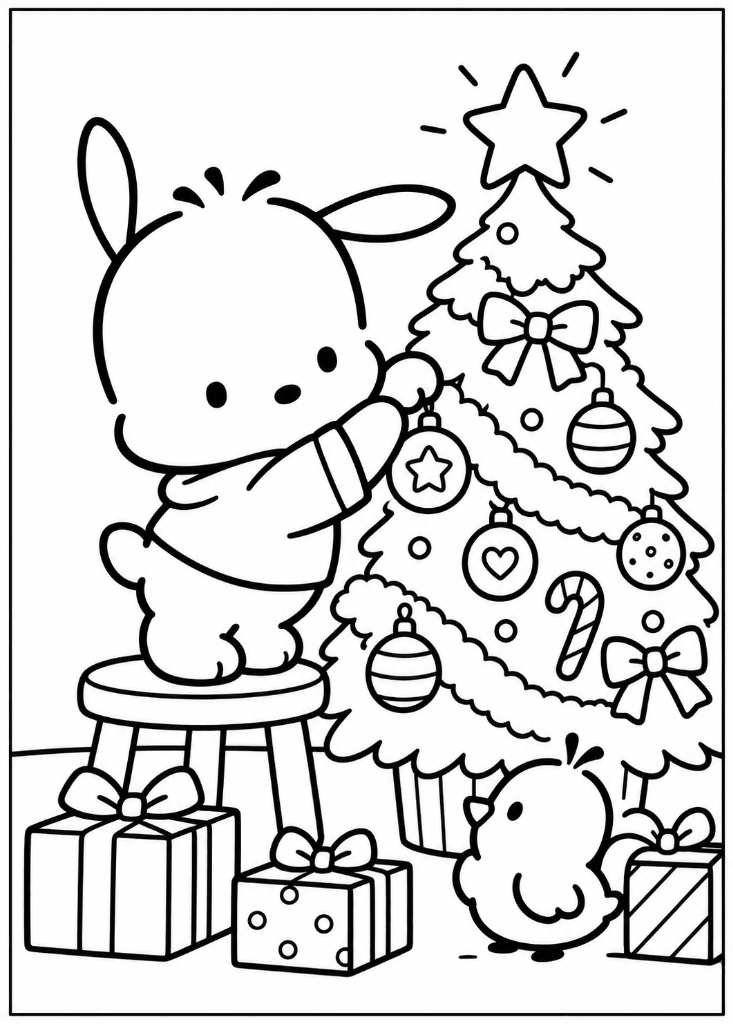
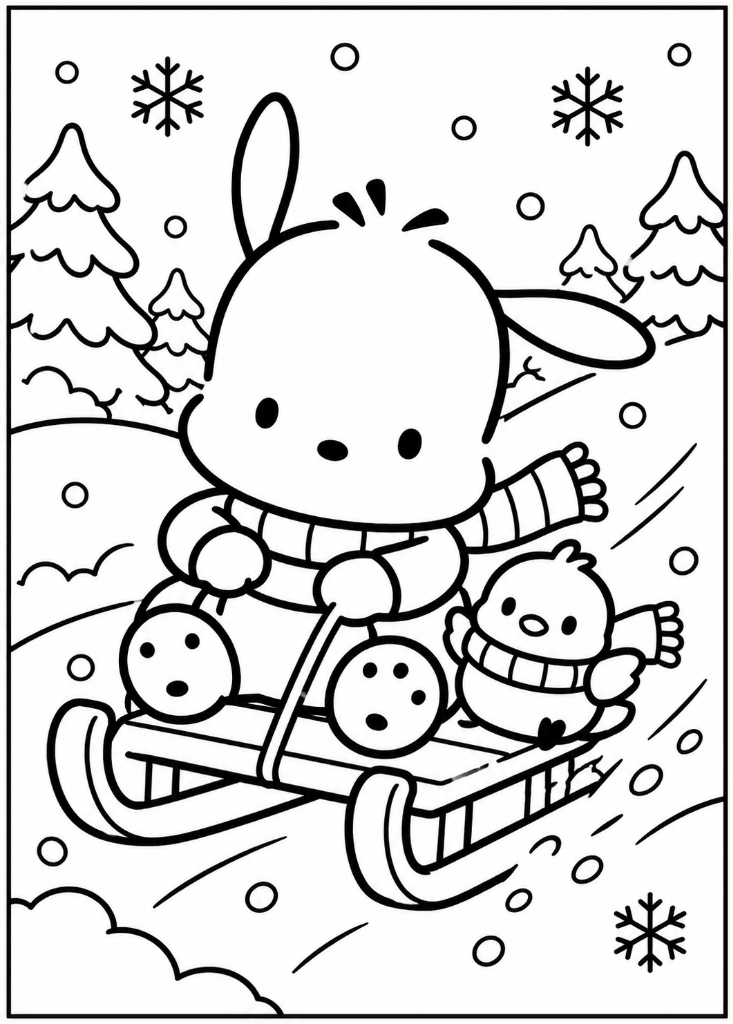
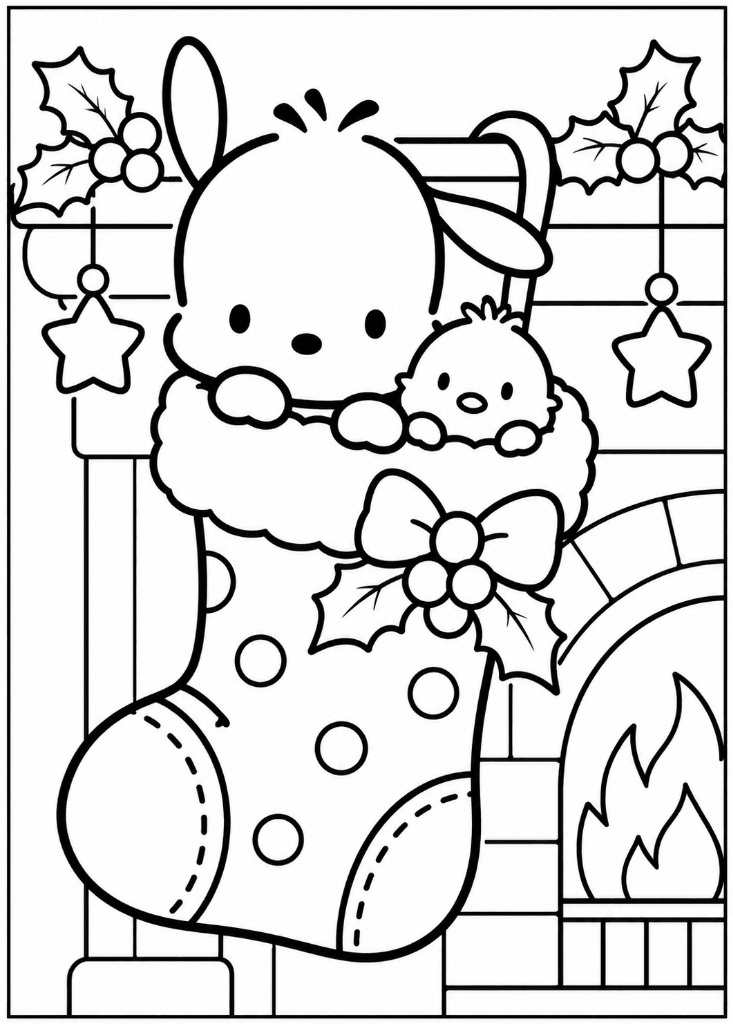
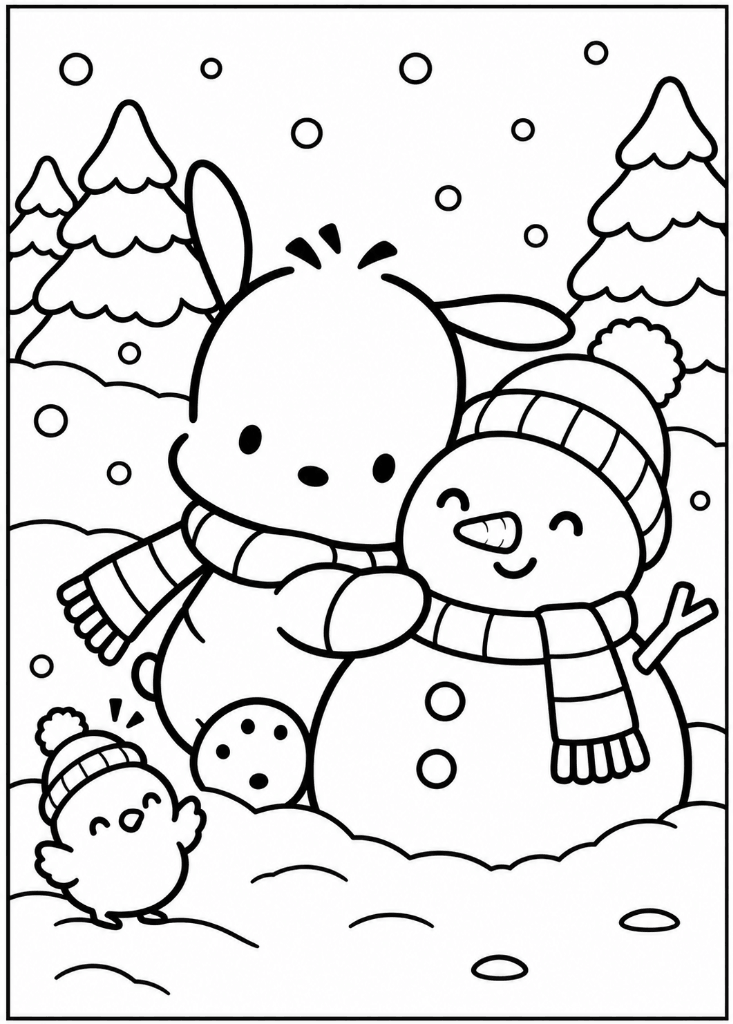
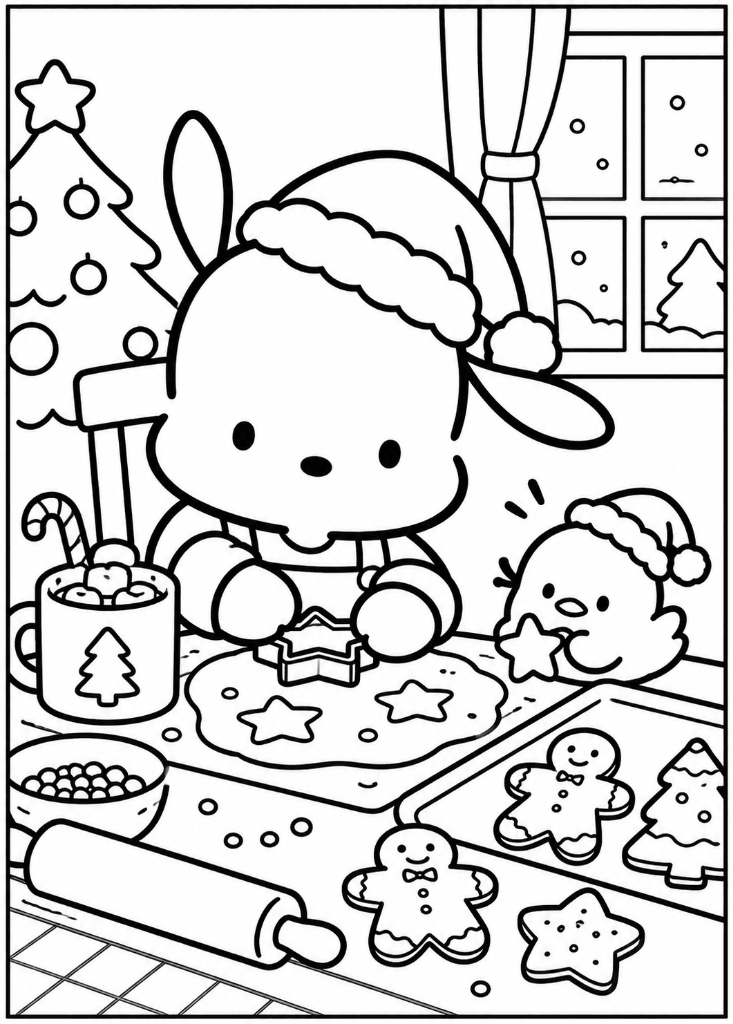
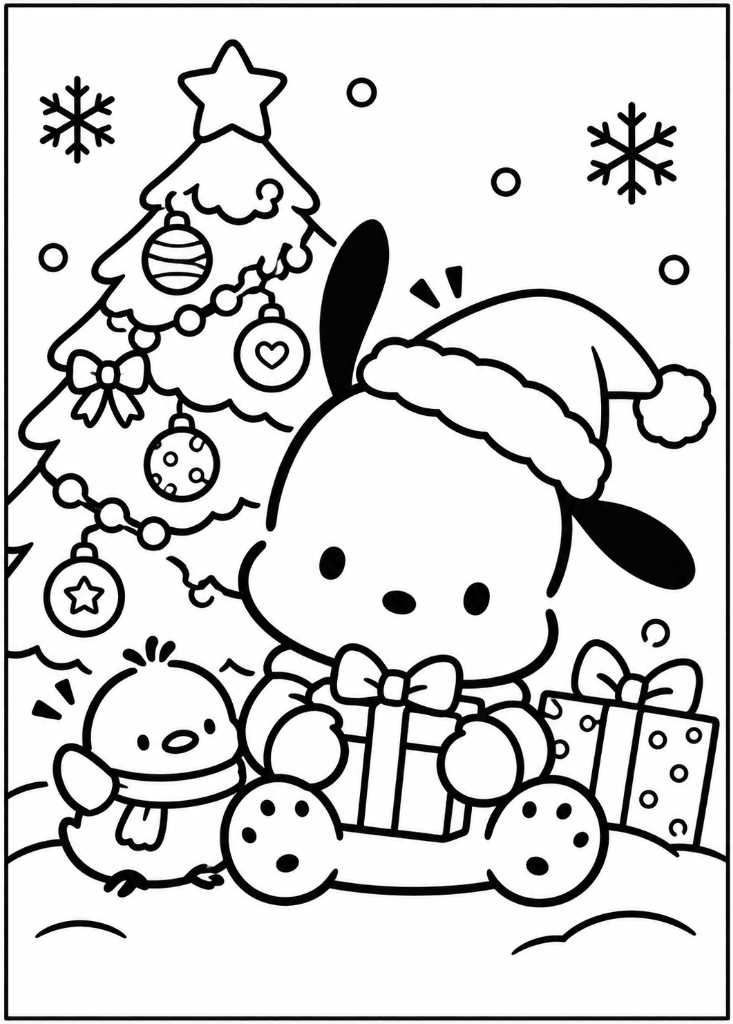
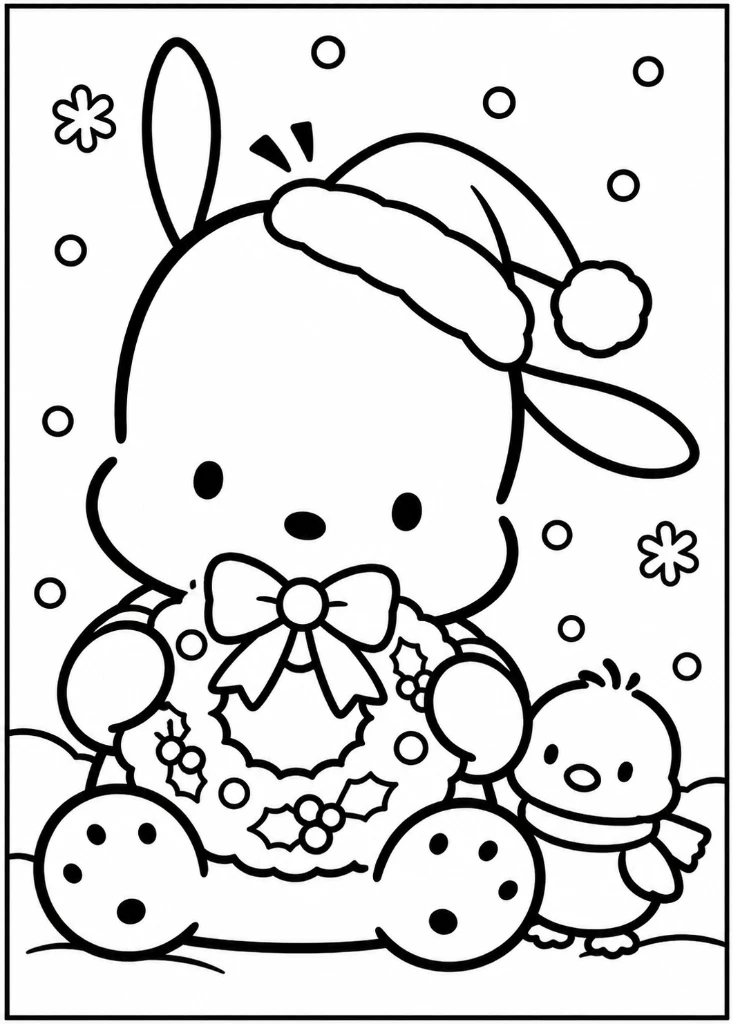
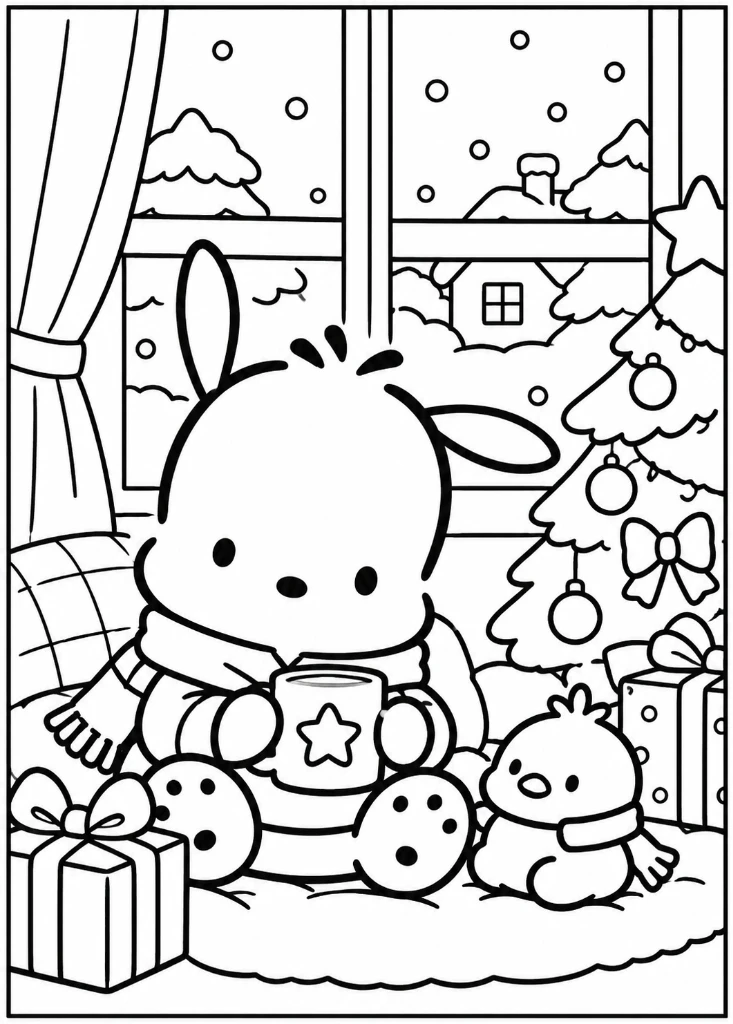
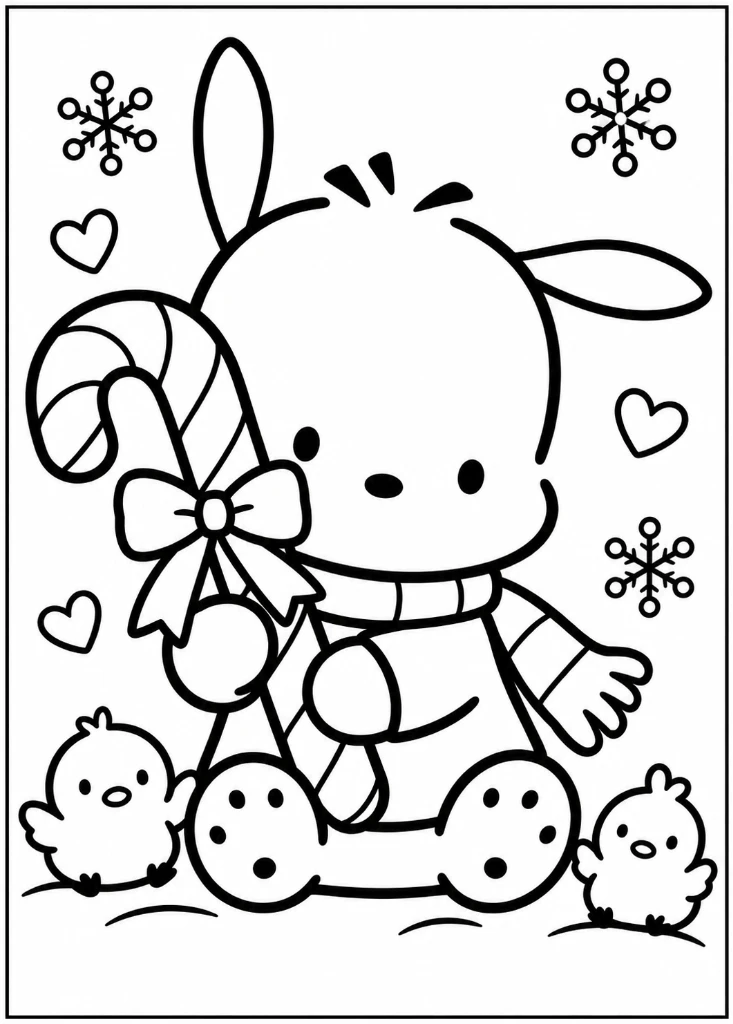
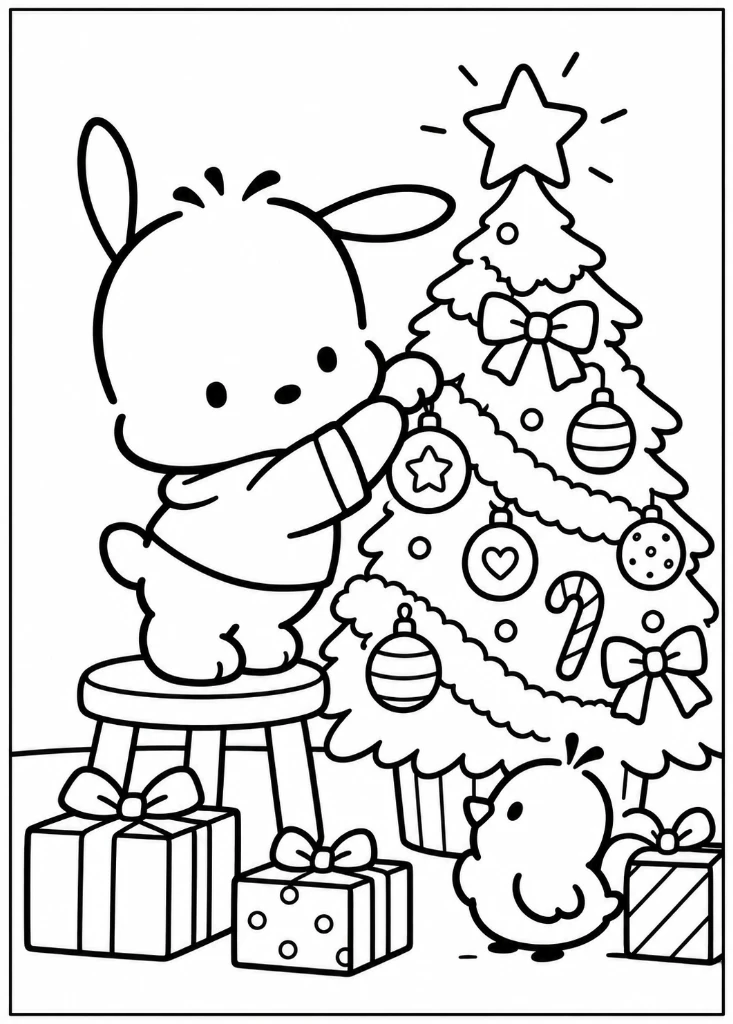
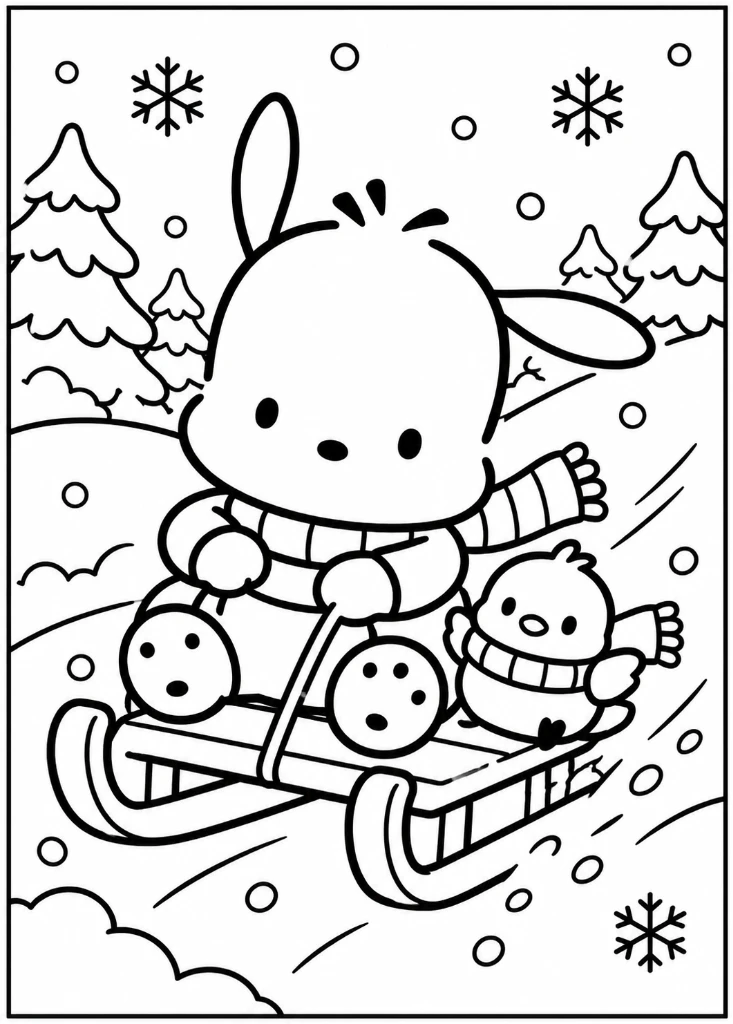
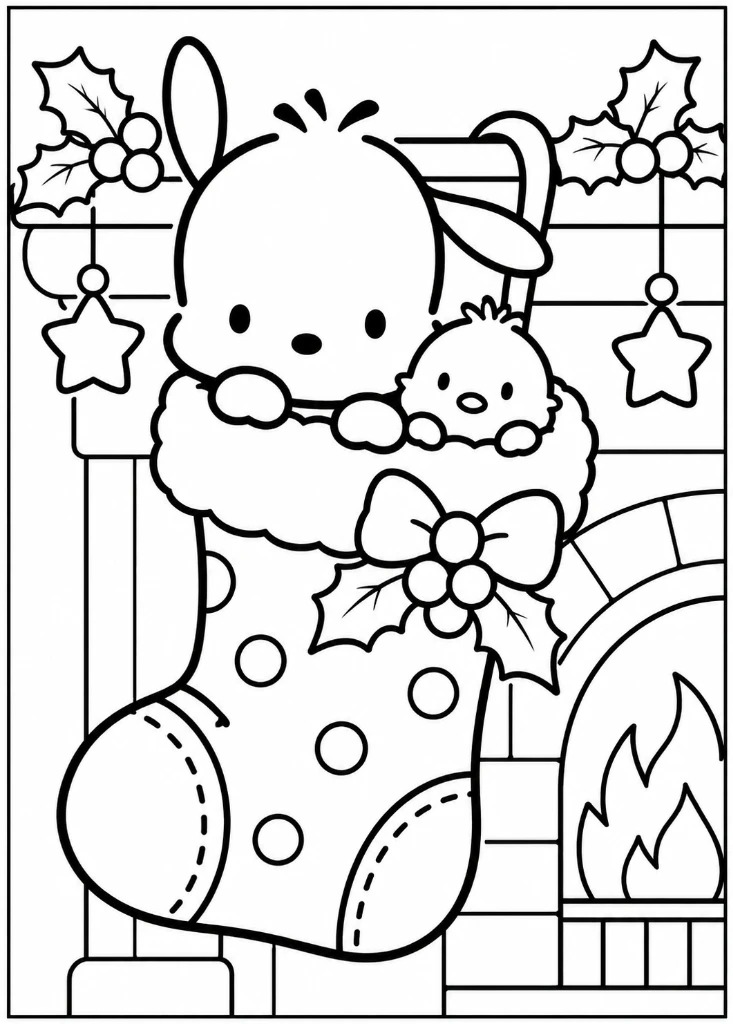
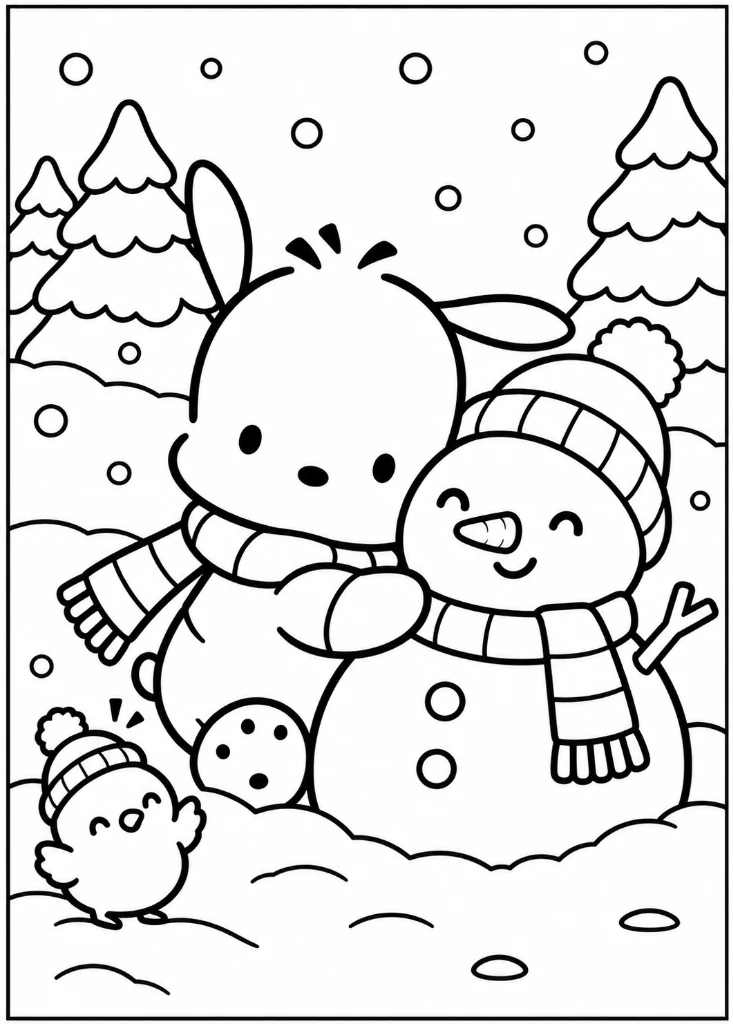
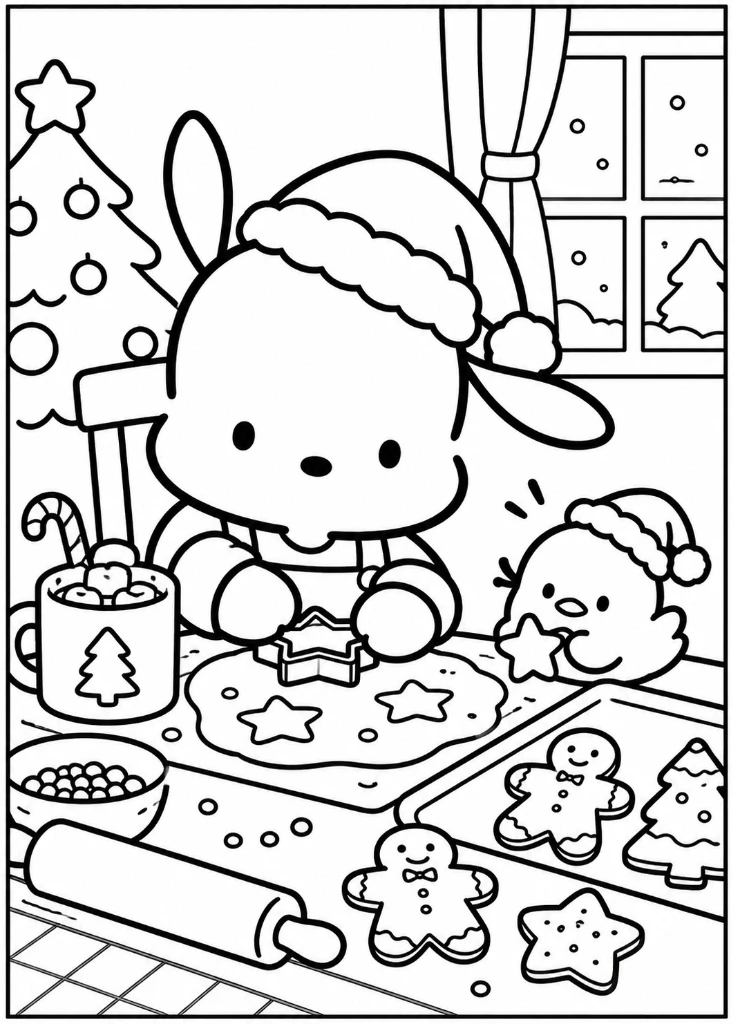
Celebrate every season with Pochacco! Our winter holiday and Christmas collection features cozy seasonal moments including decorating evergreen trees with shiny baubles, baking gingerbread cookies in the kitchen, racing sleds down snowy hillsides, giving warm hugs to smiling snowmen, and curling up for sweet bedtime dreams in Santa hats.
How to Print Pochacco Coloring Pages
Printing your favorite Pochacco coloring sheets at home is quick and effortless:
- Select a Themed PDF Collection: Choose from Playful Adventures, Outdoor Friends, or Winter Wonderland.
- Download the PDF Pack: Click the Download 10-Page PDF button to save the file directly to your computer or tablet.
- Open the Document: Open the PDF in any web browser or free PDF reader.
- Set Printer Orientation: Choose Portrait orientation and select Fit to Printable Area (or Fit to Page) to guarantee clean margins on A4 or US Letter paper.
- Start Coloring: Use colored pencils, markers, crayons, or watercolors to bring Pochacco and his friendly companions to life!
Frequently Asked Questions About Pochacco Coloring Pages
Yes. The PDF packs are formatted in A4 portrait size. They can also be printed on US Letter paper by selecting 'Fit to Printable Area' or 'Fit to Page' in your printer settings.
Yes. You can download all 3 themed collections as standalone 10-page PDF packs directly with a single click.
Yes. All 3 Pochacco PDF packs (30 pages total) and individual sheets are 100% free to view, print, and download with no sign-ups, payment, or email gates required.
Yes. Pack 1 (Playful Adventures and Activities) and Pack 2 (Everyday Fun and Outdoor Friends) feature bold, crisp outlines, charming character poses, and wide open spaces perfect for toddlers, preschoolers, and beginner colorists.
Yes. Our collection features Pochacco alongside his dearest companions, including Choppy the yellow chick, friendly bird pals, woodland mice, and bunny friends.
Yes. Pack 3 (Winter Wonderland and Christmas Holidays) includes festive holiday scenes such as decorated Christmas trees, Santa hats, gingerbread cookies, snow sledding, warm fireplaces, and cozy snowmen.
The PDF packs are formatted in A4 portrait size. They can also be printed on US Letter paper by selecting 'Fit to Printable Area' or 'Fit to Page' in your printer settings.
You can print individual sheets directly by clicking the Print button on any card in the gallery, or open the preview dialog and select Print Sheet.